AIM
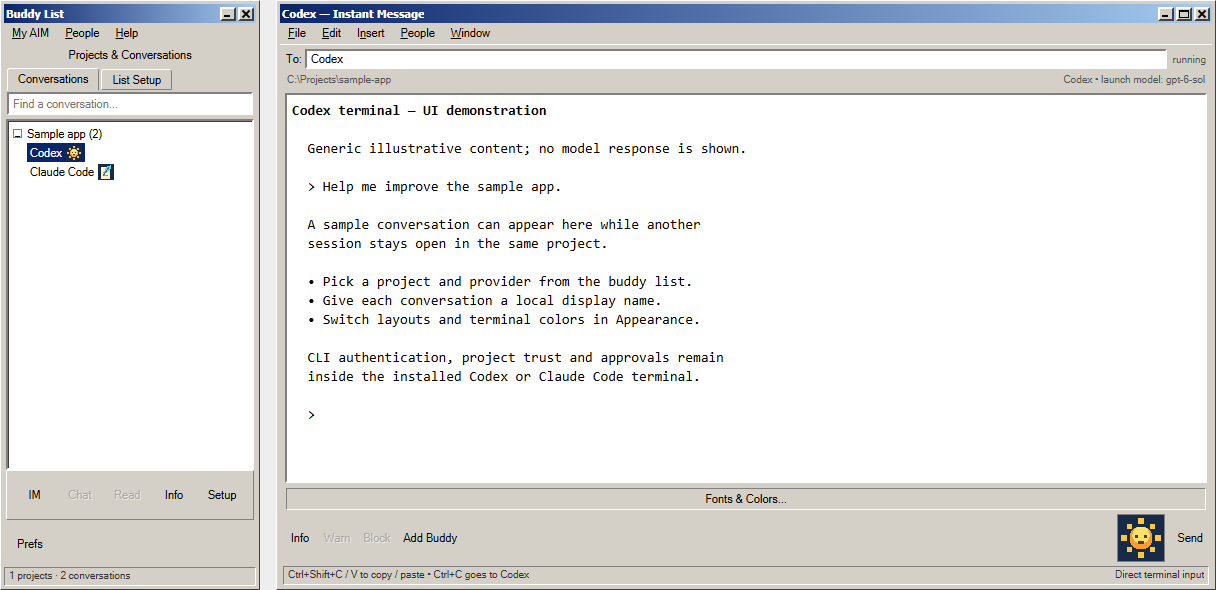
Inspired by AIM 5.5.3595
The classic buddy list, familiar conversation controls, and a little desktop nostalgia.
The terminal palette is independent of the surrounding messenger controls.
View full-size screenshotA familiar place to work
Find the messenger look that feels like home. Every skin uses the same projects, coding providers, and live terminals.
Inspired by AIM 5.5.3595
The classic buddy list, familiar conversation controls, and a little desktop nostalgia.
The terminal palette is independent of the surrounding messenger controls.
View full-size screenshot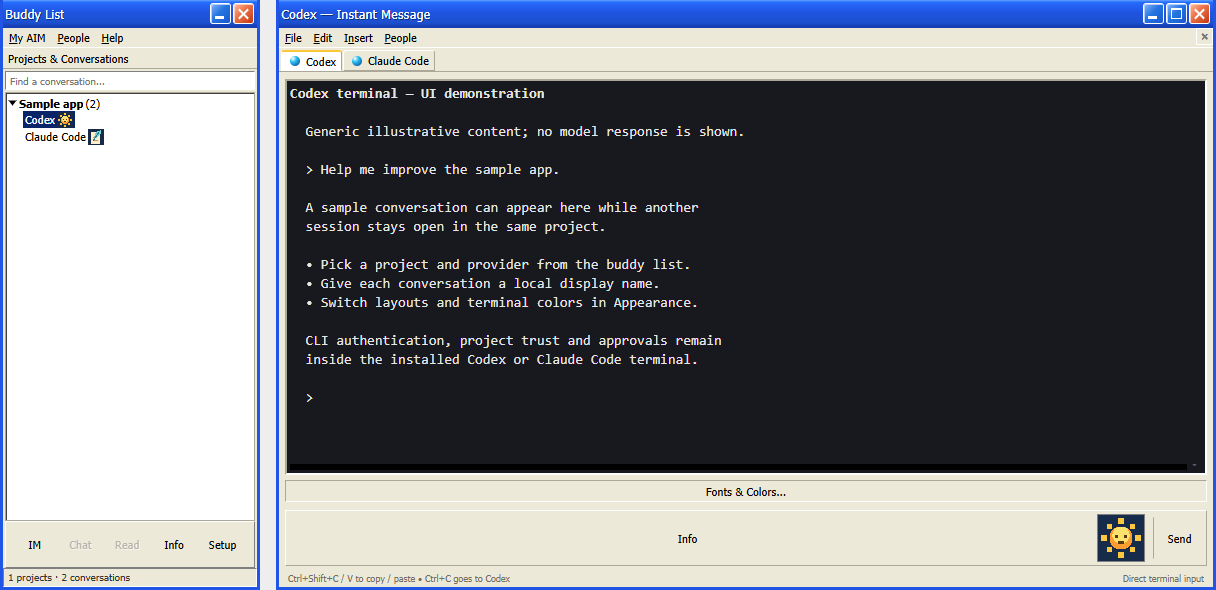
Inspired by AIM 5.5.3595 / DeadAIM 4.5
The familiar AIM look with conversation tabs and configurable buddy-list buttons.
Shown with a dark terminal. Light and custom terminal palettes are also available.
View full-size screenshot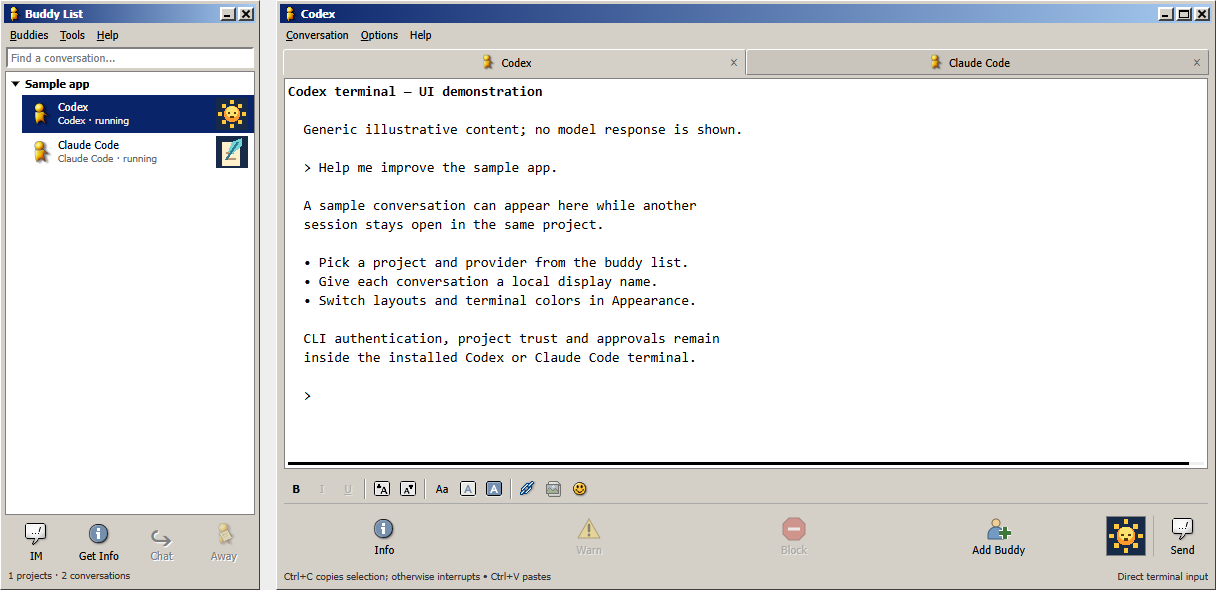
Inspired by Gaim 1.5.0
Top conversation tabs, individual font controls, and the familiar IM / Get Info action row.
Chat, Away, and rich-text-only actions are unavailable. The conversation body is a live terminal.
Included in BuddyAIM 0.3.0 and later. Get the Windows download.
View full-size screenshot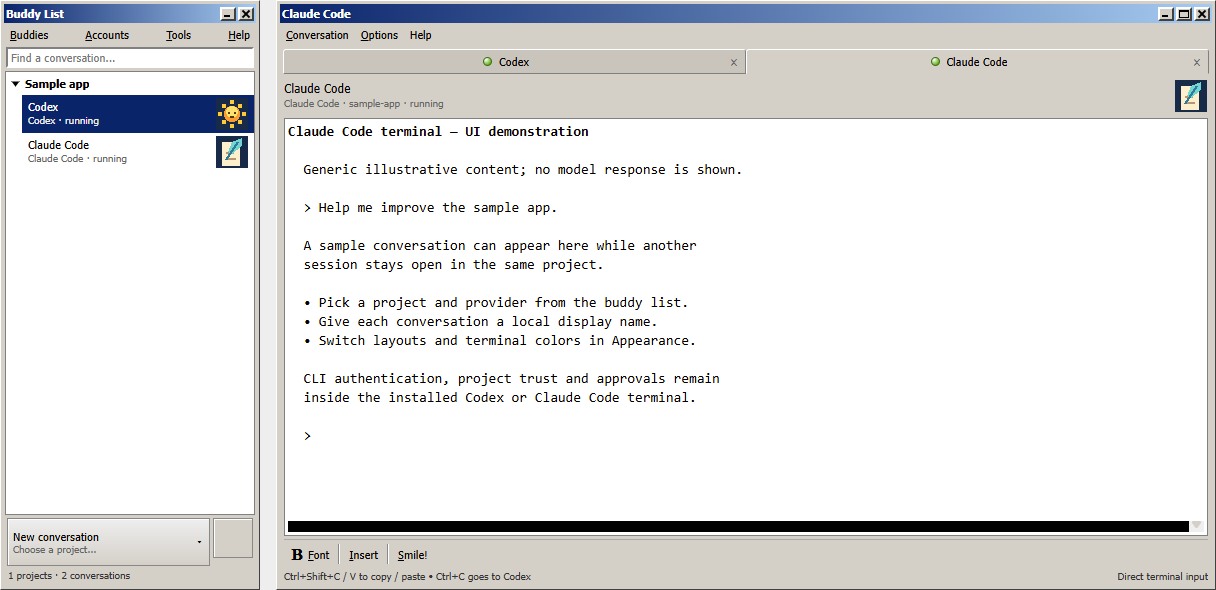
Inspired by Pidgin 2.10.6
A compact buddy list, top conversation tabs, and the familiar Font / Insert / Smile! toolbar.
A single open conversation hides the tab strip. Terminal colors are a separate preference.
View full-size screenshot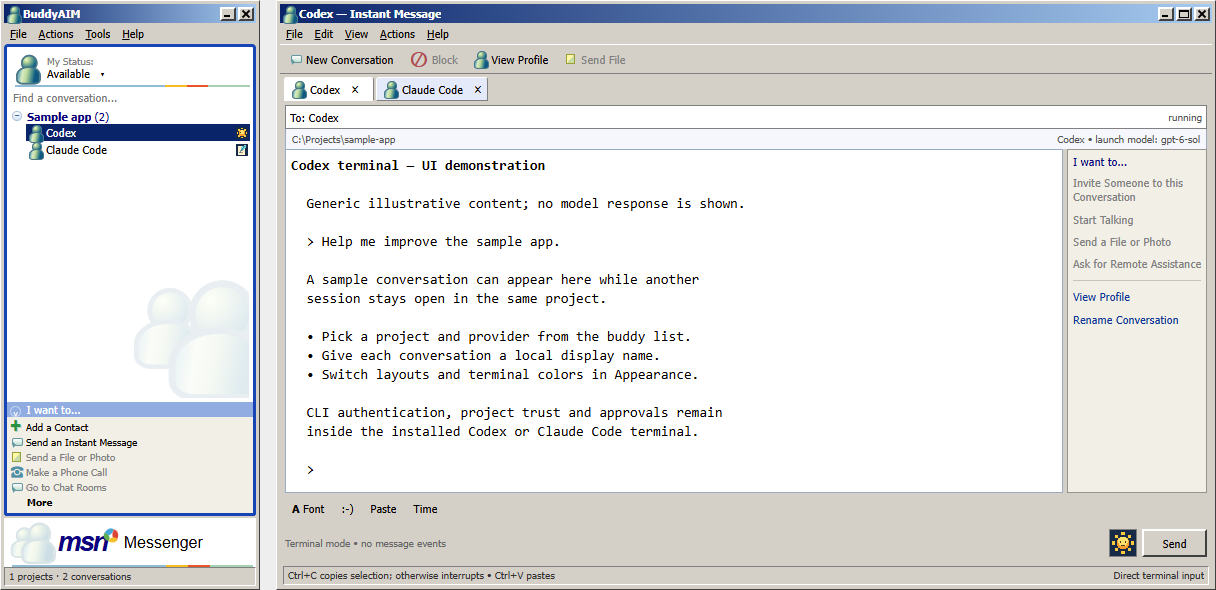
Inspired by MSN Messenger 4.6.0084
The compact status area, blue-framed contact list, and familiar I want to... actions pane, with a conversation sidebar and classic toolbar.
View Profile, Rename, Paste, and Send use the shared conversation controls. Calling, file transfer, chat rooms, and remote assistance are unavailable.
Included in BuddyAIM 0.3.0 and later. Get the Windows download.
View full-size screenshotActual app screenshots with generic demonstration content; no live model responses. Older captures may show the development name Codex AIM. Open any screenshot to see it at full size. Credits & acknowledgments.